BABY SHOWER BINGO
1 / 24FREE
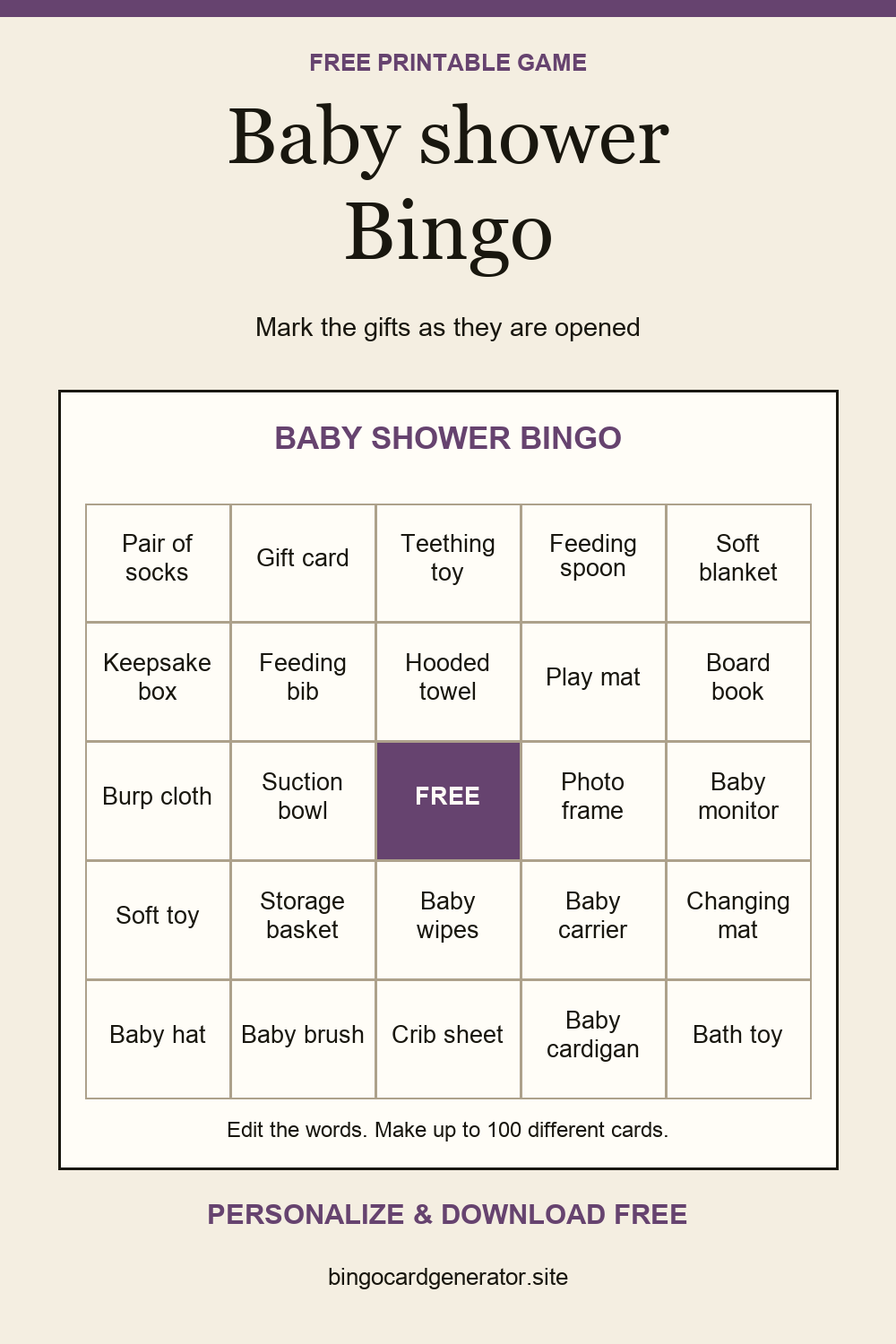
Give guests a card to mark as presents are opened. Match the list to the actual gifts.
32 editable prompts. Create 1–100 different cards in a 3 × 3, 4 × 4, or 5 × 5 grid, then download a free PDF in A4 or US Letter. No account is needed. This game starts with the caller list switched off.
 Download a preview to shareSave on Pinterest ↗
Guests at a baby shower
During gift opening
Replace items with gifts that suit this shower. Avoid several names for the same gift, such as “sleep suit” and “onesie,” unless you intend to treat them separately. Choose a 3 × 3 grid for a short gift-opening session.
Print one card per guest and provide pens. Explain whether a matching item inside a gift bundle counts. The center is marked in advance on odd-sized grids when the free-space option is on.
As each present is opened, guests mark its item if it appears on their card. The first completed row, column, or diagonal wins. Check the marked gifts together; more than one guest can win at the same time.
This template starts with gift names already filled in. Select Blank cards in the editor if you want guests to write their own predictions.
Yes. Change the card title before printing. The title is processed in your browser. Your latest draft is saved here when browser storage is available; download a PDF to keep a separate copy.
Choose A4 or US Letter, then use Download PDF to save your set. Print opens your browser’s print dialog instead. Your latest draft is saved in this browser when storage is available; download a PDF to keep a separate copy or send the cards to someone else.
A quiet table game: spot moments from the celebration and mark your card.
A low-pressure wedding icebreaker: meet guests, find a matching prompt, and ask before adding a name.
Follow the gift opening with cards tailored to the couple’s registry.