HALLOWEEN BINGO
1 / 24FREE
Pumpkins, costumes, and a little make-believe. A word game for readers.
32 editable prompts. Create 1–100 different cards in a 3 × 3, 4 × 4, or 5 × 5 grid, then download a free PDF in A4 or US Letter. No account is needed. A printable caller list is included by default.
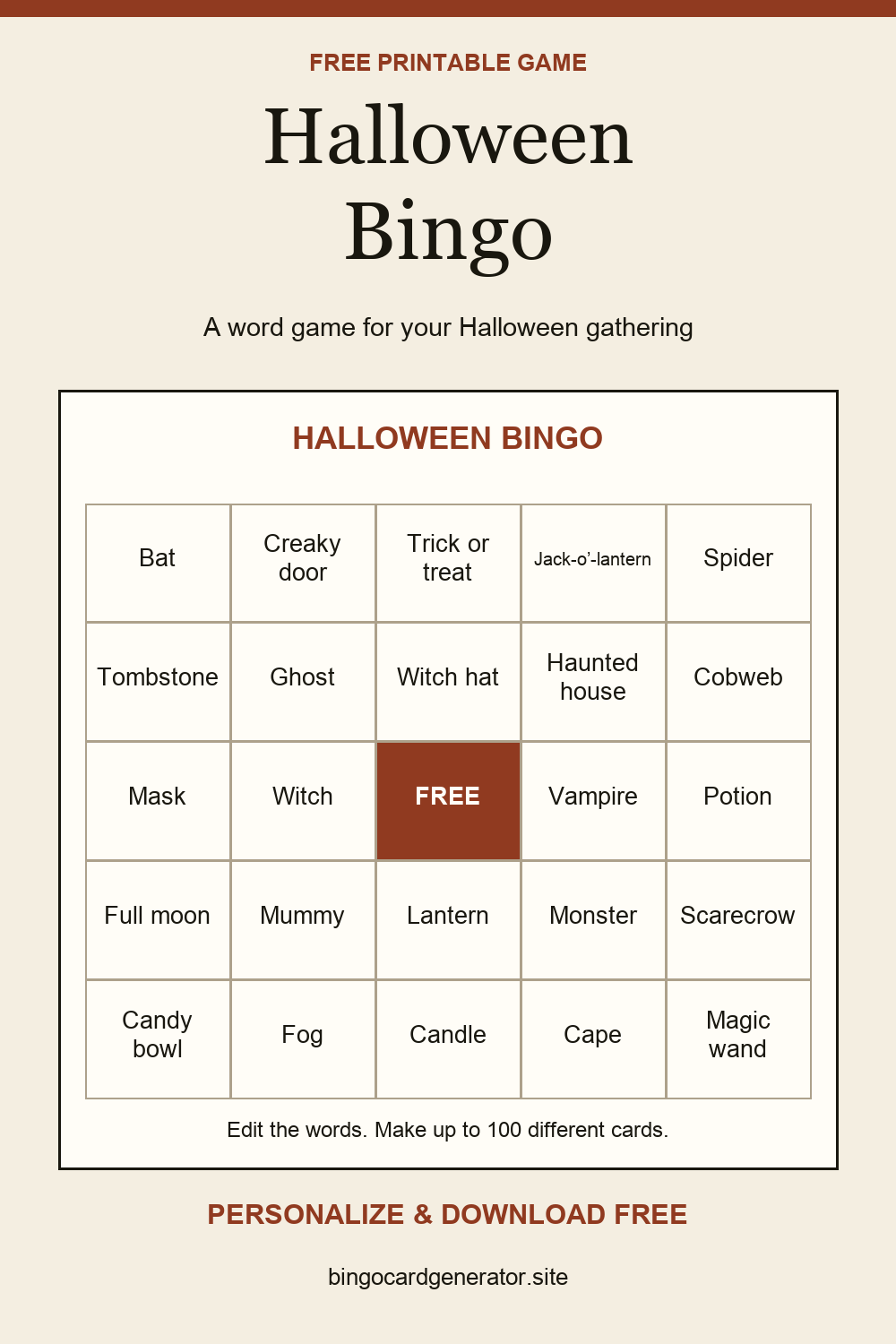 Download a preview to shareSave on Pinterest ↗
Readers at a class or family party
10–20 minutes
Read the word list and replace any words that do not suit your group. These cards use text rather than pictures. Pick a 3 × 3 grid for a shorter round or for children who need help reading.
Print the cards and include the item list. Cut that list into individual slips, fold them, and place them in a bowl. Give each player a card and a pencil or counters.
Draw one slip at a time, read it aloud, and set it aside. Players mark the word if they have it. The first row, column, or diagonal wins; check the winning words against the slips already called.
No. This set uses Halloween words. It suits readers or mixed-age groups with an adult helping to read the squares.
Yes. Choose Black ink in the editor. The card background prints white, and the controls and advertising areas are excluded from printing.
Choose A4 or US Letter, then use Download PDF to save your set. Print opens your browser’s print dialog instead. Your latest draft is saved in this browser when storage is available; download a PDF to keep a separate copy or send the cards to someone else.